Показаны сообщения с ярлыком C. Показать все сообщения

суббота, 9 июля 2016 г.

Parse hex chars string to bytes

Very simple task as for interview: to parse hex chars into bytes. Example: "123Ad" -> "\x12\x3A\x0D". This procedure can be helpfull if you want to transmit some encoding string (in UTF8, UTF16, mbcs, etc) between different processes/OS and it's probably to get broken bytes, so best solution will be to use such hex chars (it's ASCII [0-9a-fA-F] only).

Implementation in C may use sscanf() which will be slow or does not. Here is an example without sscanf:

#include <stdio.h>
#include "algutils.h"

int parse_hex_str(const char *s, int slen, char *out) {
#define __ord(c) \
    ((c) >= '0' && (c) <= '9'? (c) - '0' : \
     (c) >= 'a' && (c) <= 'f'? (c) - 'a' + 10 : \
     (c) >= 'A' && (c) <= 'F'? (c) - 'A' + 10 : -1)

    register int b, t, i;
    for (i=0; i<slen; i++) {
        t = __ord(s[i]);
        if (-1 == t) return (1);
        if (i%2) out[i/2] = (b << 4) | t;
        else     b = t;
    }
    if (i%2) out[i/2] = b;
    return (0);

#undef __ord
}

/*************************************************************/
int main() {
    unsigned char ins[] = "1230aAF0D";
    unsigned char out[20] = {0};
    int res = parse_hex_str(ins, sizeof(ins) - 1, out);
    printf("input = %s\n", ins);
    printf("res=%d\n", res);
    PRINTARRX(out, 10, "%02X");
    return (0);
}

Compilation:

gcc -ggdb -std=c99 -o hex.exe hex.c

Output:

input = 1230aAF0D
res=0
{ 12 30 AA F0 0D 00 00 00 00 00 }

суббота, 20 февраля 2016 г.

algutils.h macros

Some useful macros for algorithms C/C++ (used early in related posts):

#ifndef _ALGUTILS_H_
#define _ALGUTILS_H_

/// Array numbers
#ifndef sizeofarray
#define sizeofarray(ARR) (sizeof(ARR) / sizeof(ARR[0]))
#endif

/// Division with ceil rounding
#define CEILDIV(X,Y) (((X)%(Y))? (1 + ((X)/(Y))) : ((X)/(Y)))

/// min, max, abs
#define MIN(X, Y) ((X)<(Y)?(X):(Y))
#define MAX(X, Y) ((X)>(Y)?(X):(Y))
#define ABS(X) ((X)<0?(-(X)):(X))

/// Swaps two variables via temporary var @a tmp
#define SWAP(x, y, tmp) do { \
    tmp = x; x = y; y = tmp; \
} while (0)
/// Print array @a ARR with length @a LEN by item format @a ELFMT
#define PRINTARRX(ARR, LEN, ELFMT) do { \
    printf("{ "); \
    for (unsigned int i=0; i<(LEN); i++) { \
        printf(ELFMT " ", (ARR)[i]); \
    } \
    printf("}\n"); \
} while (0)

/// Print array @a ARR by item format @a ELFMT
#define PRINTARR(ARR, ELFMT) PRINTARRX(ARR, sizeofarray(ARR), ELFMT)

/// Shift array @a ARR of length @a LEN by @a N positions to right
#define RSHIFT_ARR(ARR, LEN, N) do { \
    register int _rshift_arr_i_; \
    for (_rshift_arr_i_=(N)+(LEN)-1; \
         _rshift_arr_i_>(N)-1; \
         _rshift_arr_i_--) \
    { \
        *((ARR)+_rshift_arr_i_) = *((ARR)+(_rshift_arr_i_-(N))); \
    } \
} while (0)

#endif /* EOF */

Select sorting in C

We are searching for the least item and insert it into head of array. But on its place - head, i.e. swaps head and this item. Then we are shift head by 1 and make the same. Very simple algorithm :)

#include <stdio.h>
#include "algutils.h"

template<typename T>
int selsort(T* arr, unsigned int len)
{
    T elmin;
    int i, off, imin;
    if (!arr||!len) return (0);

    for (off=0; off<len; off++) {
        for (i=off, elmin=arr[off], imin=-1; i<len; i++) {
            if (elmin > arr[i]) {
                elmin = arr[i];
                imin = i;
            }
        }
        if (imin != -1) {
            arr[imin] = arr[off];
            arr[off] = elmin;
        }
    }
    return (1);
}

/*****************************************
                    Main
 *****************************************/
int main(void)
{
    int arr[] = {2, 1, 0, 10, 9, 99, 8, -1, 6, 15, 15};
    PRINTARR(arr, "%d");
    selsort(arr, sizeofarray(arr));
    PRINTARR(arr, "%d");
    return (0);
}

Quick sorting in C

This is the implementation of quick sort algorithm in C.

#include <stdio.h>
#include "algutils.h"

template<class T>
void qsort(T* a, long len)
{
    printf("call\n");
    long l = 0, r = len, mid = len/2;
    T temp, p;

    p = a[mid]; // central item

    /* Swap: items less than p will go to left, above - to right,
       l going from the left, r - from the right, before the item,
       which denies this rule. After finding of such items we will
       swap them
    do {
        // looking for item from the left which > p
        while (a[l] < p) l++;
        // looking for item from the right < p
        while (a[r] > p) r--;

        // swap them if no wrapping
        if (l <= r) {
            SWAP(a[l], a[r], temp);
            l++; r--; // go to next - without it - hang up!
        }
    } while (l<=r); // XXX may be better is l<r ?


    /* Recursive calls if there is what to sort.
    Both cases works, upper makes about 2 times lesser calls!
    Split by the point where on left side are all < p, on right:
    all > p. If to choice another point of splitting, result
    of pre-sorting will be lost - ordering on one of the sides
    will be denied
    */
    if (r > 0) qsort(a, r);
    if (len > l) qsort(a+l, len-l);

    /*if (len>1) {
        qsort(a, mid);
        qsort(a + mid, len - mid);
    }*/
}


/*****************************************
                   main
 ****************************************/
int main(void)
{
    int arr[] = {10, 9, 4, 5, 11, 45, 6, 7, 88, 1, 0, 1};
    PRINTARR(arr, "%d");
    qsort(arr, sizeofarray(arr));
    PRINTARR(arr, "%d");
    return (0);
}

Insert sorting

We take 2nd item and compare it with the next. If it less than next, then insert it in appropriate position. Then we are taking 3d item and it's comparing with previous two items and is inserting into appropriate position. Then we are taking 4th item and etc. By the way, the inserting actually is shifting all items by one position to right and then is inserting into free position.

#include <stdio.h>
#include "algutils.h"

template<typename T>
void inssort_insert(T *arr, T item, unsigned int pielen, unsigned int pos)
{
    for (int i=pielen-1; i>pos; i--)
        arr[i] = arr[i-1];
    arr[pos] = item;
}

template<typename T>
int inssort(T *arr, unsigned int len)
{
    if (!arr||!len) return (0);
    for (int pie=1; pie<len; pie++) {
        for (int i=0; i<=pie-1; i++) {
            if (arr[pie] < arr[i]) {
                inssort_insert(arr, arr[pie], pie+1, i);
                break;
            }
        }
    }
    return (1);
}

/*****************************************
                   main
 ****************************************/
int main(void)
{
    int arr[] = {10, 9, 4, 5, 11, 45, 6, 7, 88, 1, 0, 1};
    PRINTARR(arr, "%d");
    inssort(arr, sizeofarray(arr));
    PRINTARR(arr, "%d");
    return (0);
}

Bubble sort

Bubble search (with exchanging items). We compares neighboring items: if they needs exchanging - they have wrong order - do it. Then we do the same for next neighboring items, i.e. 0-1, 1-2, 2-3, ... After first pass over array the last item will be the biggest (like bubble fly to up :). So, in next pass over items we will process all without the last item. Then again, new last (pre-last actually) item will be biggest in current pass, so in next pass we must skip it, etc... Processing will stop when we are skipping all items OR when no more items swaps.

#include <stdio.h>
#include "algutils.h"

template<typename T>
int bubsort(T *arr, unsigned int len)
{
    if (!arr||!len) return (0);
    T tmp;
    int pie = len, nswaps;
    do {
        nswaps = 0;
        for (int i=0; i<pie; i++) {
            if (arr[i] > arr[i+1]) {
                SWAP(arr[i], arr[i+1], tmp);
                nswaps++;
            }
        }
        pie--;
    } while (pie && nswaps);
    return (1);
}

/*****************************************
                   main
 ****************************************/
int main(void)
{
    int arr[] = {10, 9, 4, 5, 11, 45, 6, 7, 88, 1, 0, 1};
    PRINTARR(arr, "%d");
    bubsort(arr, sizeofarray(arr));
    PRINTARR(arr, "%d");
    return (0);
}

Binary search

Input is - ordered array. Comparison is with middle item, if matched it then we found target, if middle is greater then we must check in the same way all items from the left side of the middle item, otherwise - on right side.

#include <stdio.h>
#include "algutils.h"

template<typename T>
int binsearch(T *arr, int len, const T& target)
{
    int mid, off = 0;
    while (1) {
        if (!len) return (-1);
        mid = len/2;
        if (arr[mid] == target) return (off + mid);
        len = mid;
        if (arr[mid] < target) {
            off += mid + 1;
            arr = &arr[mid+1];
        }
    }
}

/***********************************************************************
                                  Main
 ***********************************************************************/

int main(void)
{
#define LIST(...) {__VA_ARGS__}
#define TEST(EL, RESULT, L) do { \
    int arr[] = L; \
    int s = binsearch(arr, sizeofarray(arr), (EL)); \
    printf("Binary search of %d: %d (%s)\n", (EL), s, \
            s==(RESULT)?"true":"FALSE"); \
} while (0)

    TEST(1, 0, LIST(1,2,3,4,5,6,8,9,10,14,15,24,55));
    TEST(2, 1, LIST(1,2,3,4,5,6,8,9,10,14,15,24,55));
    TEST(14, 9, LIST(1,2,3,4,5,6,8,9,10,14,15,24,55));
    TEST(15, 10, LIST(1,2,3,4,5,6,8,9,10,14,15,24,55));
    TEST(24, 11, LIST(1,2,3,4,5,6,8,9,10,14,15,24,55));
    TEST(55, 12, LIST(1,2,3,4,5,6,8,9,10,14,15,24,55));
    TEST(240, -1, LIST(1,2,3,4,5,6,8,9,10,14,15,24,55));

    return (0);
}

SIOD Scheme shell for image processing algorithms

Implemented Algorithms To play with such algorithms, with them parameters, I wrote SIOD (Scheme) based shell with exposed C implementations to it, so they can be parametrized on Scheme. This post is report of all results :) All base algorithm blocks are written in C (see this) and are called from SIOD scripts (test*.scm) which produce some output images in out/* directory. C code is very simple and does not target perfomance goals.

Algorithm 1: Grey scale, negative

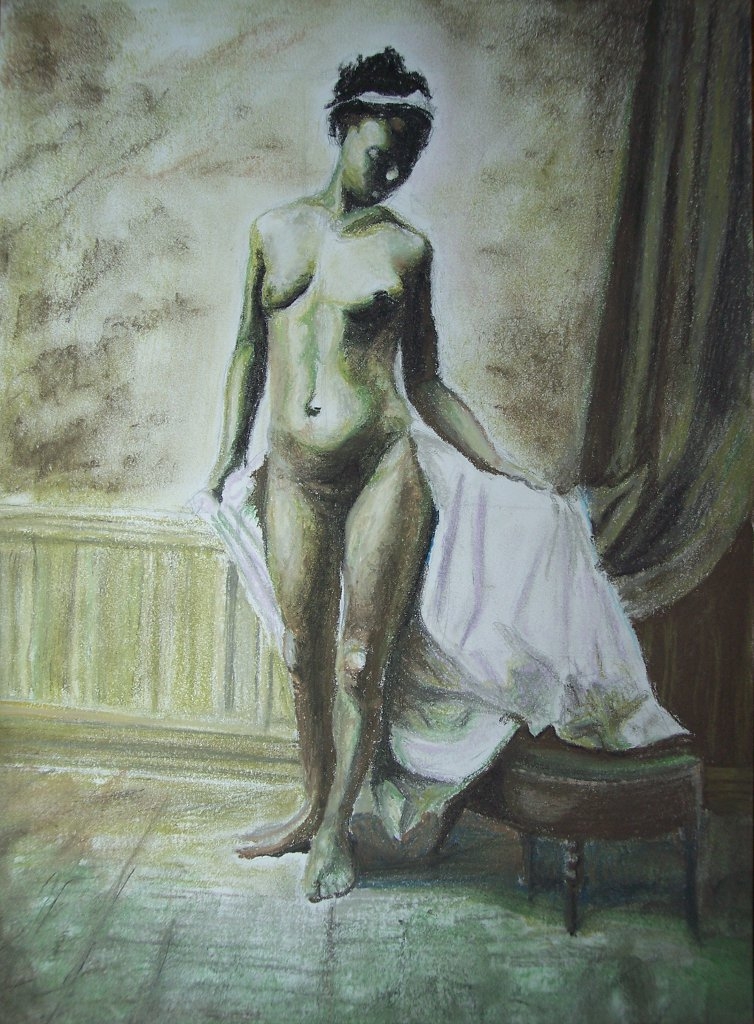
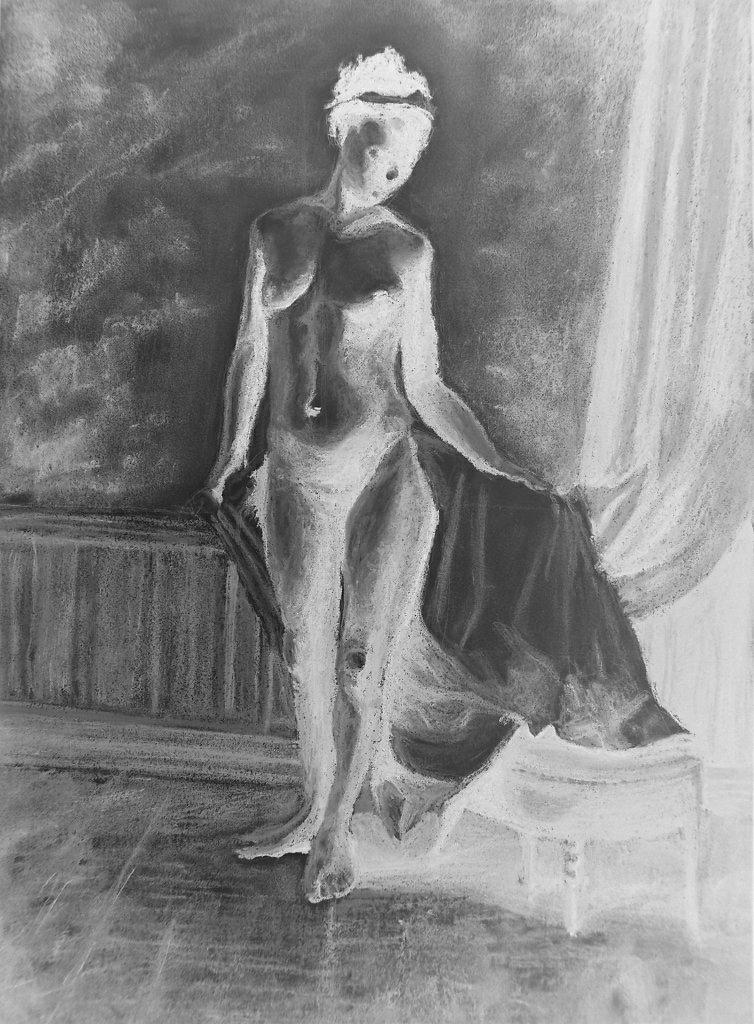
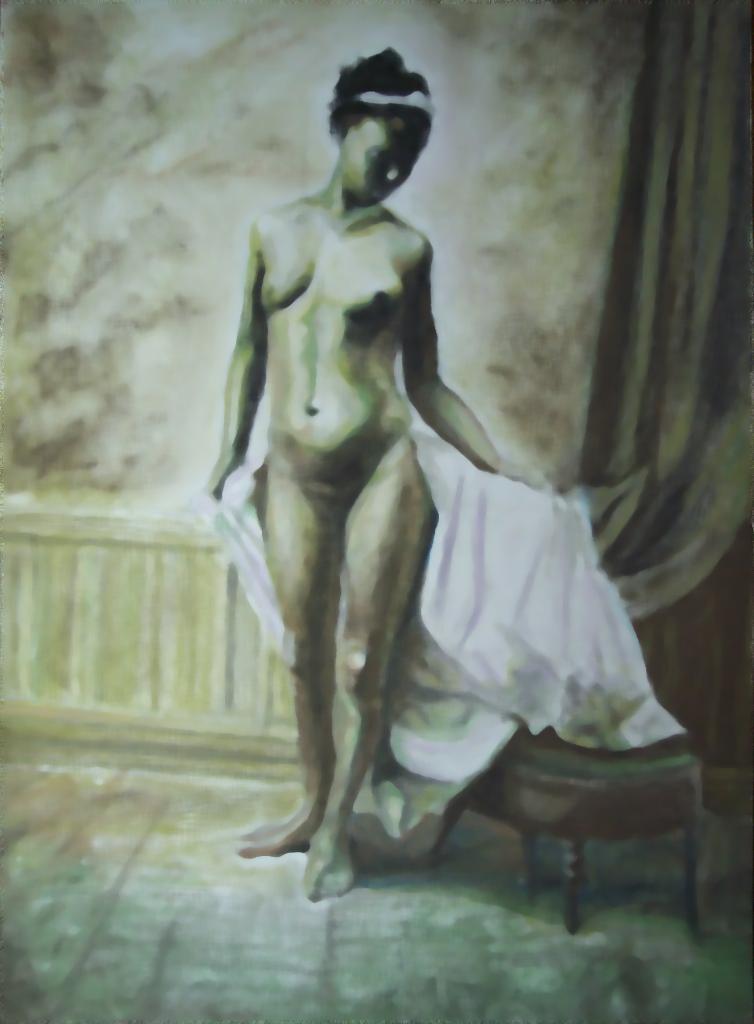
This very simple test demonstrates grey scale and negative of input images. Grey scaling calculate length of RGB vector then constructs vector with the same length but R, G, B components have the same length each. Negative uses fact that max R, G, or B value is 255 and calculates difference between color component and 255.

(define b (img_open "in/ngirl.jpg"))
(img_gr b)
(img_neg b)
(img_save b "out/gr.jpg")

Input images:


Output images:


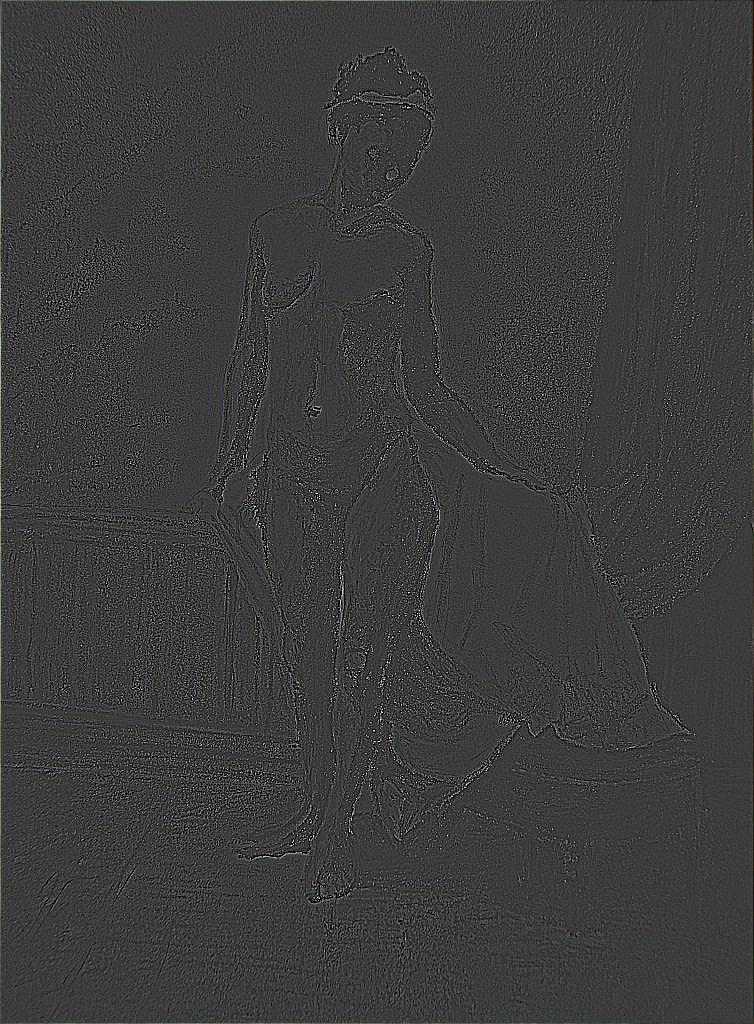
Algorithm 2: Emboss

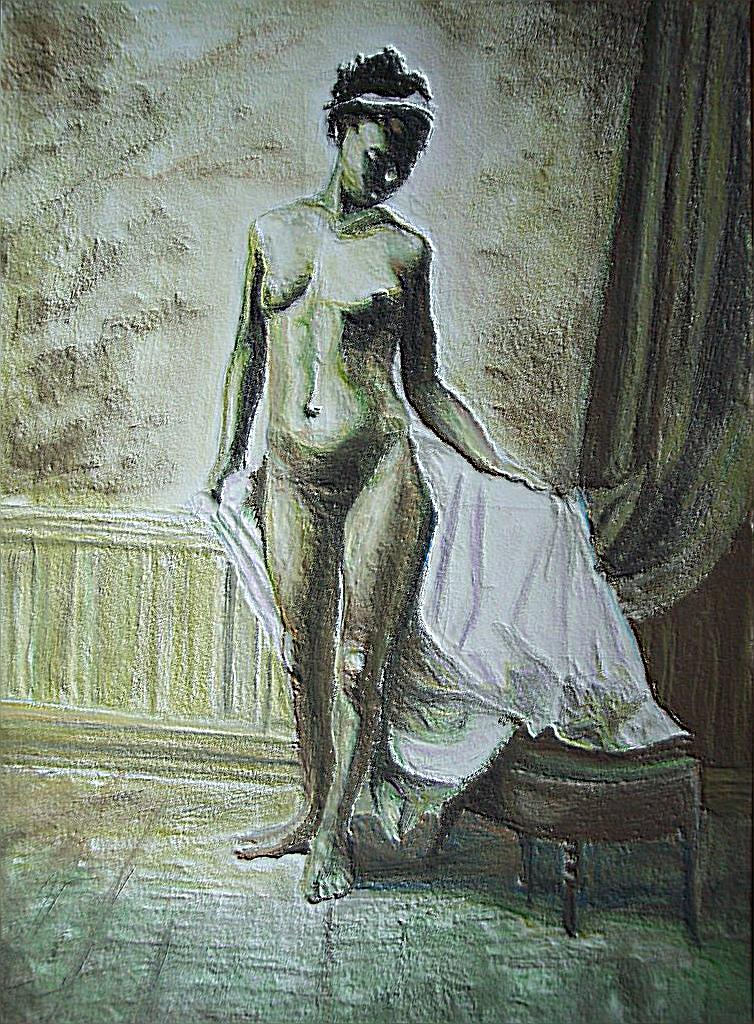
It's classical image processing method: applying of 2D filter on each pixel. More about convolution matrix read: this. Main idea is the same as in other filters: each original samples gives some value to common result but all of thees values has different amount which depend of filter formula. There are 2 main notes on this filter. First: no recursion, so original pixels (samples) - are real original and temporary clean copy of original image should be allocated and used for calculation. Second: normalization of result is need. Result is divided by special value (div) and shifted by another (shift or bias). And if now it's lesser then 0, 0 should be used instead of, if bigger then 255, 255 should be placed as result. This test uses convolution matrix to implement emboss filter. Other tests use c.m. for other goals.

(load "imsh.scm")
(define b (img_open "in/ngirl.jpg"))
(img_conv b emboss-matrix emboss-div emboss-shift)
(img_save b "out/emboss.jpg")

Input images:


Output images:


Algorithm 3: Color mask

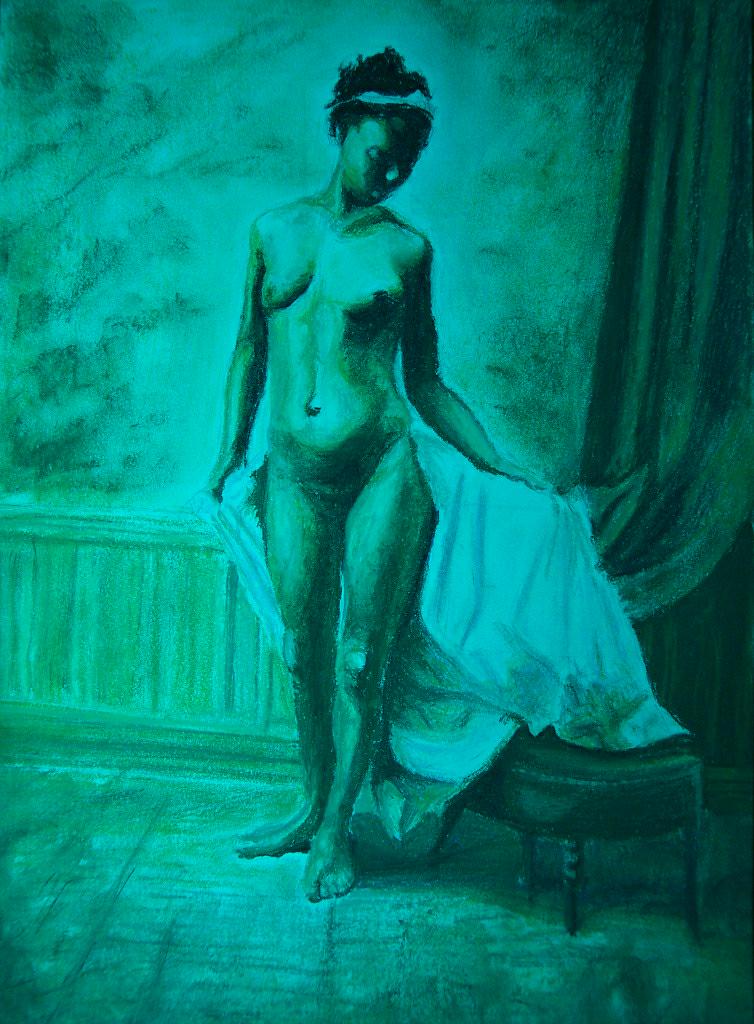
This is also simple algorithm which applies color mask on image: with 3 bits user select one of 3 channels (R, G, B) to show, other will be hidden. This looks like broken TV when picture is blown in some color (green often). For example, bits "3" means "011", i.e. R channel will be hidden, G, B - shown.

(define b (img_open "in/ngirl.jpg"))
(img_ch b 3)
(img_save b "out/ch.jpg")

Input images:


Output images:


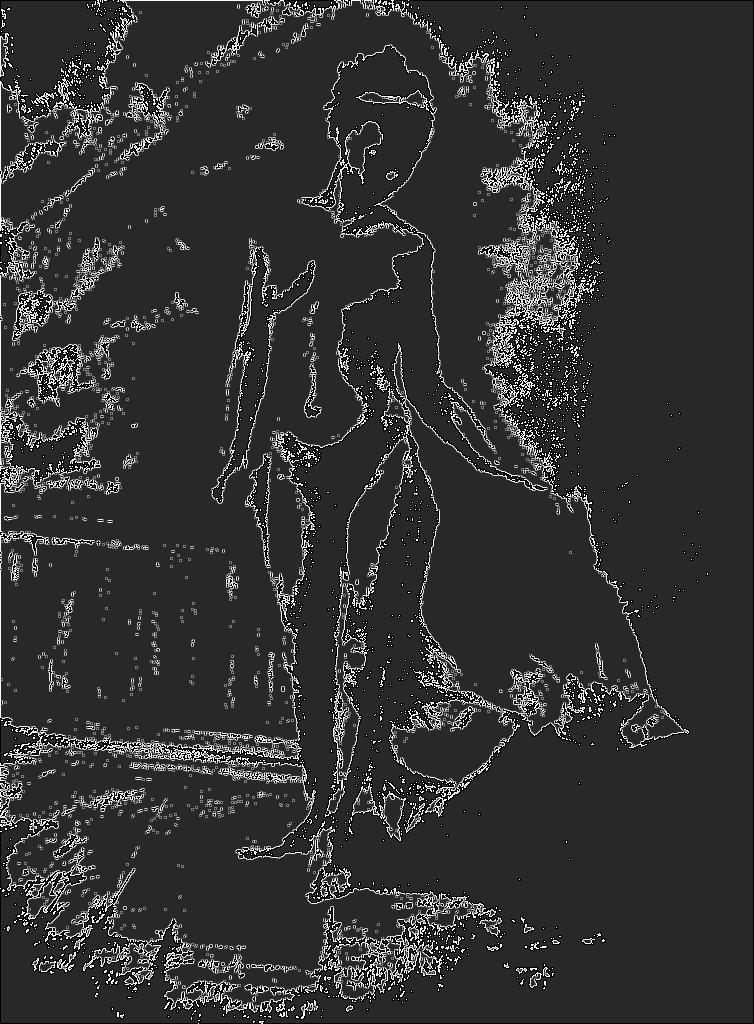
Algorithm 4: Edge detection

This test uses convolution matrix to implement edge detection of image. There are different algorithms for edge detection also, not only based on c.m.

(load "imsh.scm")
(define b (img_open "in/ngirl.jpg"))
(img_conv b edge-matrix 3 60)
(img_save b "out/edge.jpg")

Input images:


Output images:


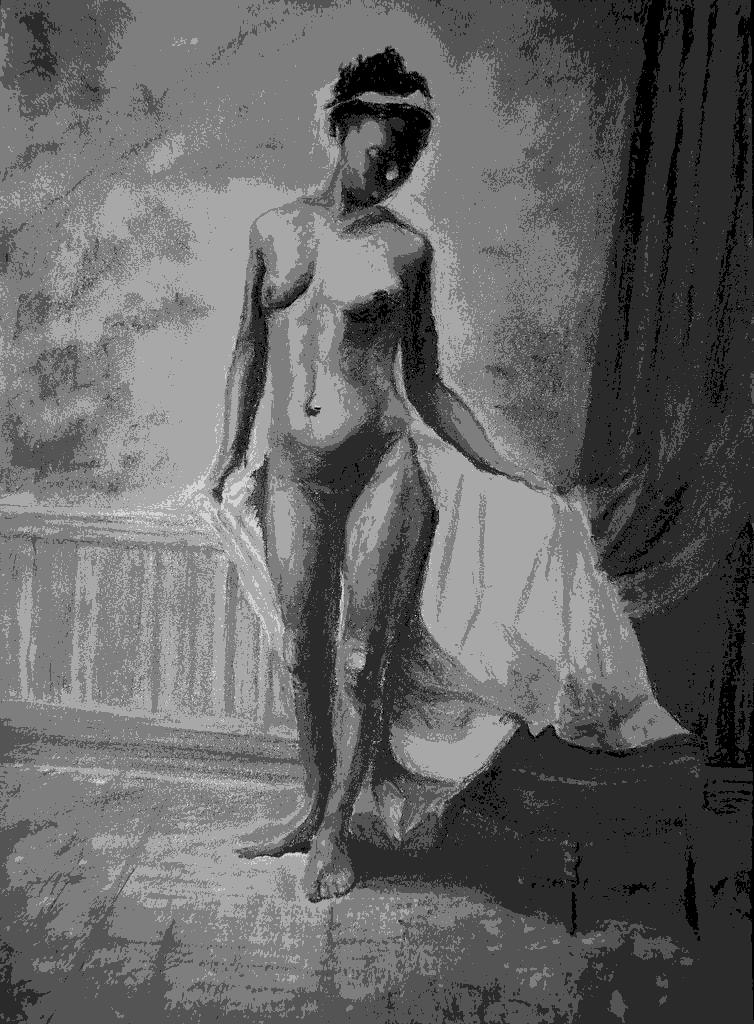
Algorithm 5: Grey levels

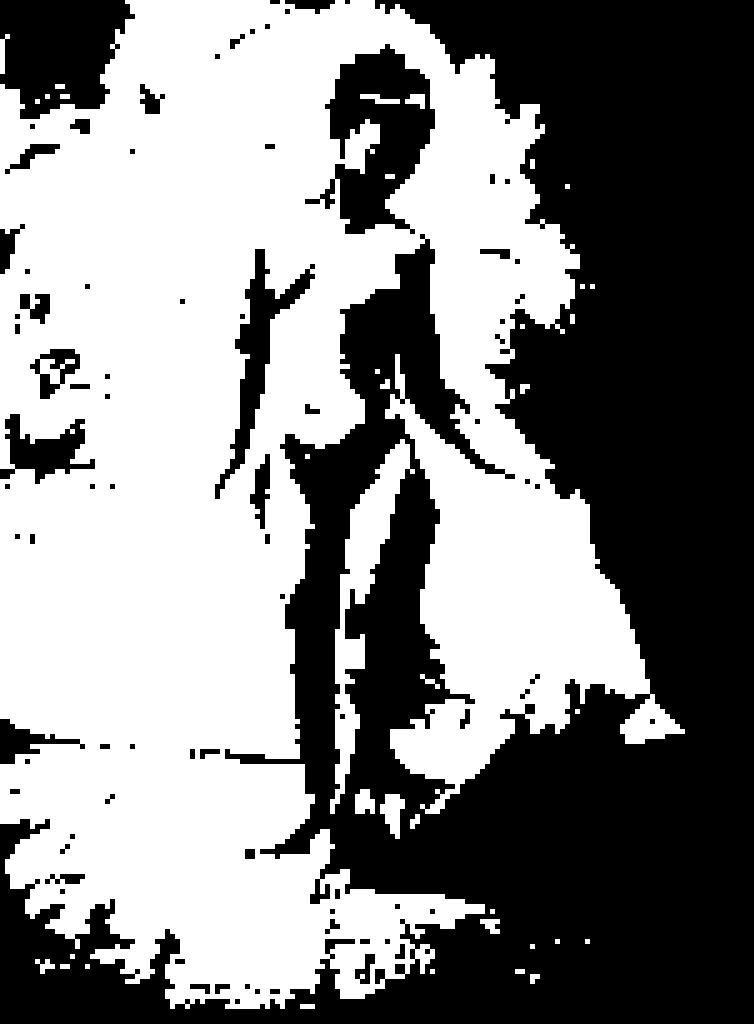
This test implements converting to grey levels with custom number of levels. Resulting image looks like picture from Windows 3.1 - colors are approximated with grey levels only. When there are only 2 levels, all looks like black-and-white image, more levels show more realistic graduations of colors.

(load "imsh.scm")
(define b (img_open "in/ngirl.jpg"))
(img_grl b 6)
(img_save b "out/grl.jpg")

Input images:


Output images:


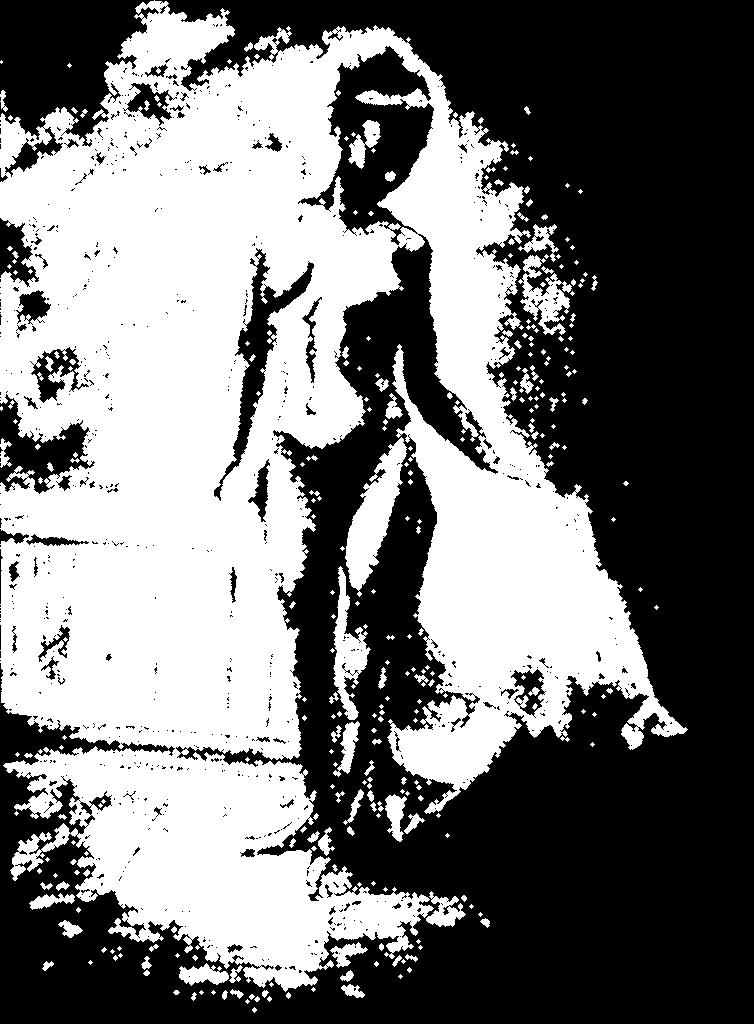
Algorithm 6: B/w conversion + edge detection

This test runs edge detection with c.m. too, but image is converted to black-and-white first.

(load "imsh.scm")
(define b (img_open "in/ngirl.jpg"))
(img_bw b 50)
(img_conv b edge-matrix 3 40)
(img_save b "out/bwedge.jpg")

Input images:


Output images:


Algorithm 7: B/w conversion + dilation

This test converts input image to black-and-white then applies dilation matrix (which is c.m. too).

(load "imsh.scm")
(define b (img_open "in/ngirl.jpg"))
(img_bw b 60)
(img_conv b dilat-matrix dilat-div dilat-shift)
(img_save b "out/dilat2.jpg")

Input images:


Output images:


Algorithm 8: Pixalization

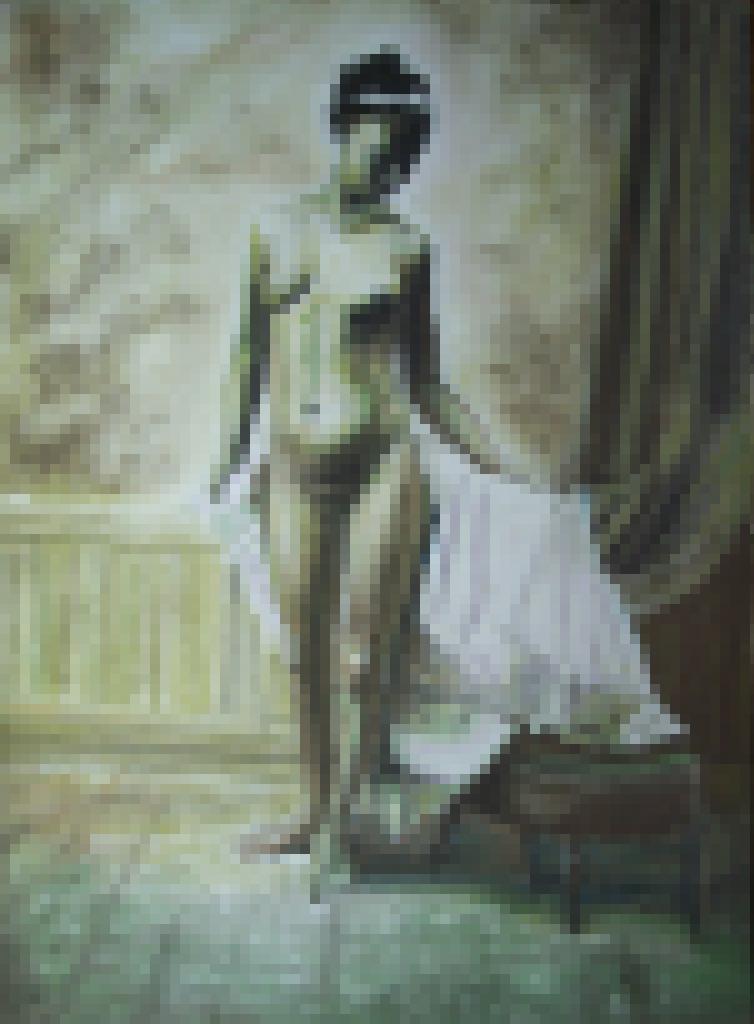
This test runs pixalization. Main idea is to cut original image on squares with some side and to replace pixels of this squared area with one-color square. Which color to use? If black and white version is applied then result color is calculated like in Black-and-White filter with threshold = 50%. If color version of pixalization is applied, then average color of squared area is used.

(load "imsh.scm")
(define b (img_open "in/ngirl.jpg"))
(img_pix b 10 1)
(img_save b "out/pix1.jpg")

(define b (img_open "in/ngirl.jpg"))
(img_pix b 5 0)
(img_save b "out/pix2.jpg")

Input images:


Output images:


Algorithm 9: Median filter

This filter is based on c.m. filter also but instead of calculate central point in filter window (in aperture) with special formula, it's sort all points and use central point of sorted points and central point of window. So, if there is big impulse in window's central point then it will be replaced by "median" point. It's good to filter "salt and piper" noise.

(load "imsh.scm")
(define b (img_open "in/ngirl.jpg"))
(img_med b 9)
(img_save b "out/med.jpg")

Input images:


Output images:


Algorithm 10: Dilation + erosion

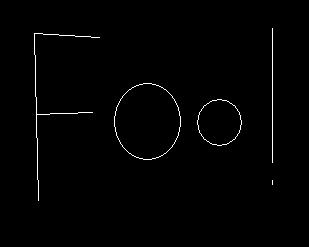
This test makes dilation and erosion. Dilation is - application of structural element (like kernel in c.m.) on binary image to get more "fat" image. See more here. Erosion is - application of structural element (like kernel in c.m.) on binary image to get more "thick" image. See more here.

(define b1 (img_open "in/foo.jpg"))
(img_bw b1 50)

(define matrix1 '(1 1 1 1 1 1 1 1 1 1 1
                  1 1 1 1 1 1 1 1 1 1 1
                  1 1 1 1 1 1 1 1 1 1 1
                  1 1 1 1 1 1 1 1 1 1 1
                  1 1 1 1 1 1 1 1 1 1 1
                  1 1 1 1 1 1 1 1 1 1 1
                  1 1 1 1 1 1 1 1 1 1 1
                  1 1 1 1 1 1 1 1 1 1 1
                  1 1 1 1 1 1 1 1 1 1 1
                  1 1 1 1 1 1 1 1 1 1 1
                  1 1 1 1 1 1 1 1 1 1 1))

(define matrix2 '(1 1 1 1 1 1 1 1 1
                  1 1 1 1 1 1 1 1 1
                  1 1 1 1 1 1 1 1 1
                  1 1 1 1 1 1 1 1 1
                  1 1 1 1 1 1 1 1 1
                  1 1 1 1 1 1 1 1 1
                  1 1 1 1 1 1 1 1 1
                  1 1 1 1 1 1 1 1 1
                  1 1 1 1 1 1 1 1 1))

(img_bindilate b1 matrix1)
(img_save b1 "out/bindilate.jpg")

(define b2 (img_open "in/boo.jpg"))
(img_bw b1 50)
(img_binerode b2 matrix2)
(img_save b2 "out/binerode.jpg")

Input images:


Output images:


Algorithm 11: More complex dilation + erosion

This test runs dilation and erosion too, but on more complex input image.

(define b (img_open "in/thing.jpg"))
(img_bw b 50)

(define matrix '(1 1 1 1 1 1 1 1 1 1 1
                 1 1 1 1 1 1 1 1 1 1 1
                 1 1 1 1 1 1 1 1 1 1 1
                 1 1 1 1 1 1 1 1 1 1 1
                 1 1 1 1 1 1 1 1 1 1 1
                 1 1 1 1 1 1 1 1 1 1 1
                 1 1 1 1 1 1 1 1 1 1 1
                 1 1 1 1 1 1 1 1 1 1 1
                 1 1 1 1 1 1 1 1 1 1 1
                 1 1 1 1 1 1 1 1 1 1 1
                 1 1 1 1 1 1 1 1 1 1 1))

(img_binerode b matrix)
(img_bindilate b matrix)
(img_save b "out/open.jpg")

(define b (img_open "in/thing.jpg"))
(img_bw b 50)

(define matrix '(1 1 1 1 1 1 1 1 1 1 1
                 1 1 1 1 1 1 1 1 1 1 1
                 1 1 1 1 1 1 1 1 1 1 1
                 1 1 1 1 1 1 1 1 1 1 1
                 1 1 1 1 1 1 1 1 1 1 1
                 1 1 1 1 1 1 1 1 1 1 1
                 1 1 1 1 1 1 1 1 1 1 1
                 1 1 1 1 1 1 1 1 1 1 1
                 1 1 1 1 1 1 1 1 1 1 1
                 1 1 1 1 1 1 1 1 1 1 1
                 1 1 1 1 1 1 1 1 1 1 1))

(img_bindilate b matrix)
(img_binerode b matrix)
(img_save b "out/close.jpg")

Input images:


Output images:


Algorithm 12: Edge detection on bold font

This test runs edge-detection algorithm with c.m. on bold weight font. Result looks interesting and with coloring can get base for neon effect (need also shadowing)

(load "imsh.scm")
(define b (img_open "in/boo.jpg"))
(img_conv b edge-matrix 3 60)
(img_bw b 50)
(img_save b "out/booedge.jpg")


Input images:


Output images:


Algorithm 13: Set operations

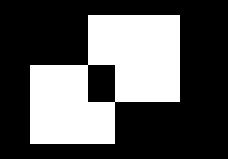
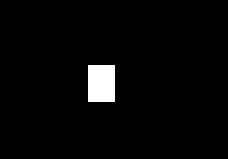
This test shows set operations but on image: OR, XOR, AND, NOT, SUB (complement).

(define b1 (img_open "in/a.jpg"))
(define b2 (img_open "in/b.jpg"))
(img_bw b1 50)
(img_bw b2 50)
(img_binand b1 b2)
(img_save b1 "out/and.jpg")

(define b1 (img_open "in/a.jpg"))
(define b2 (img_open "in/b.jpg"))
(img_bw b1 50)
(img_bw b2 50)
(img_binor b1 b2)
(img_save b1 "out/or.jpg")

(define b1 (img_open "in/a.jpg"))
(define b2 (img_open "in/b.jpg"))
(img_bw b1 50)
(img_bw b2 50)
(img_binxor b1 b2)
(img_save b1 "out/xor.jpg")

(define b1 (img_open "in/a.jpg"))
(define b2 (img_open "in/b.jpg"))
(img_bw b1 50)
(img_bw b2 50)
(img_binsub b1 b2)
(img_save b1 "out/sub.jpg")

(define b (img_open "in/a.jpg"))
(img_bw b 50)
(img_binnot b)
(img_save b "out/not.jpg")

Input images:


Output images:


Algorithm 14: Morphological edge detection

Edges can be detected also with morphological operations. Edge := IMG0 `sub` ERODE(IMG0). SUB - is substraction/complements.

(define b1 (img_open "in/boo.jpg"))
(define b2 (img_open "in/boo.jpg"))
(img_bw b1 50)
(img_bw b2 50)

(define matrix '(0 1 0 1 1 1 0 1 0))

(img_binerode b2 matrix)
(img_binsub b1 b2)
(img_save b1 "out/morphedge.jpg")

Input images:


Output images:


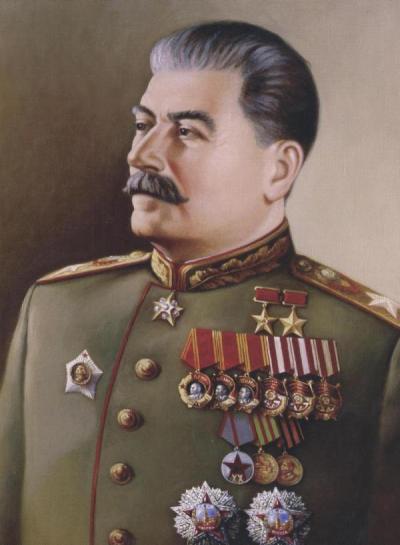
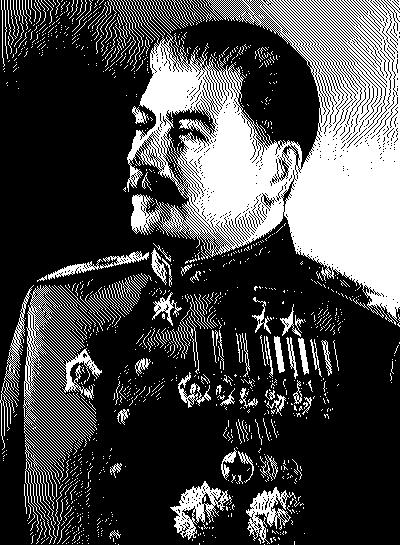
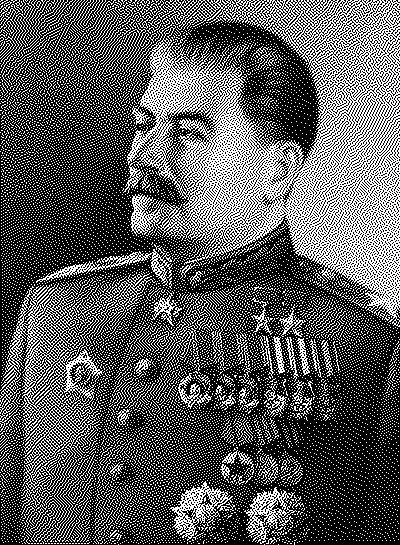
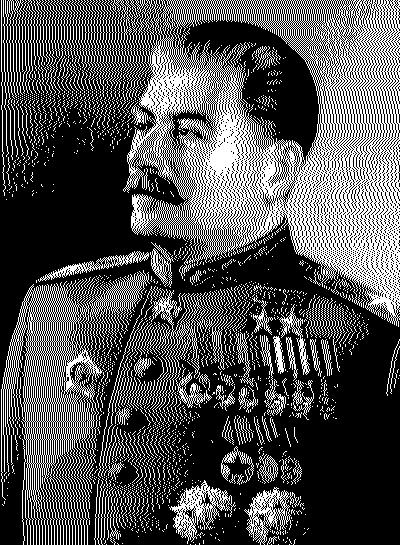
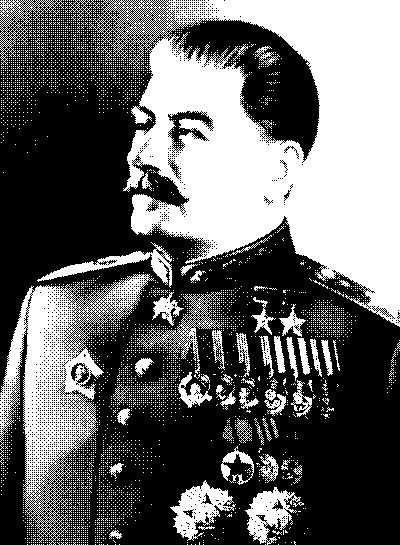
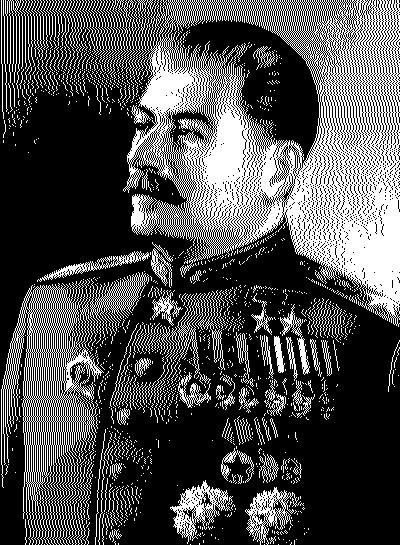
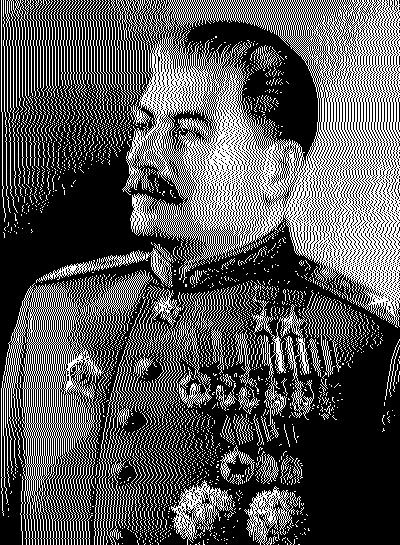
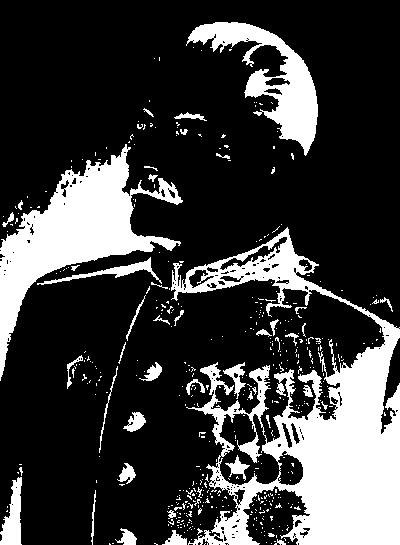
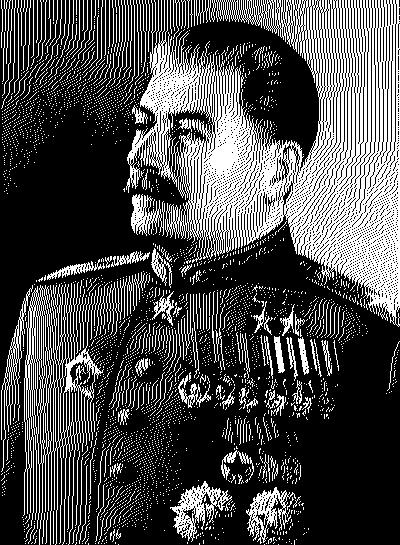
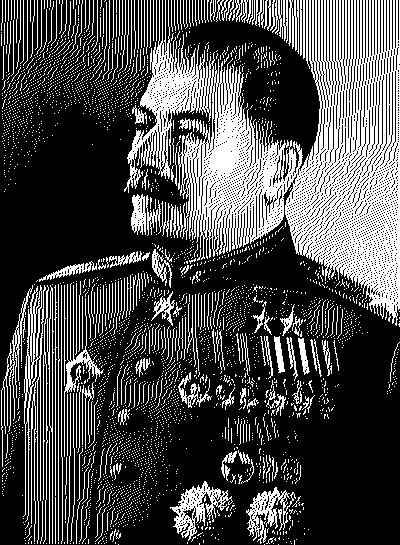
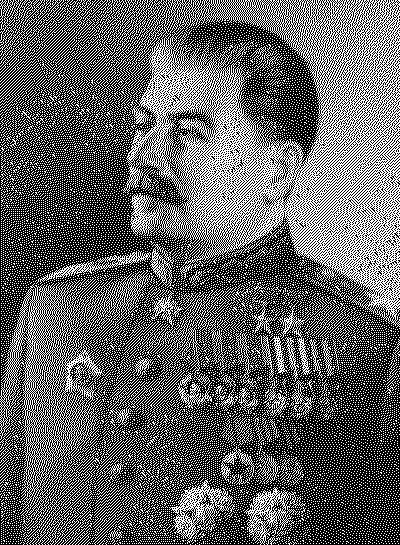
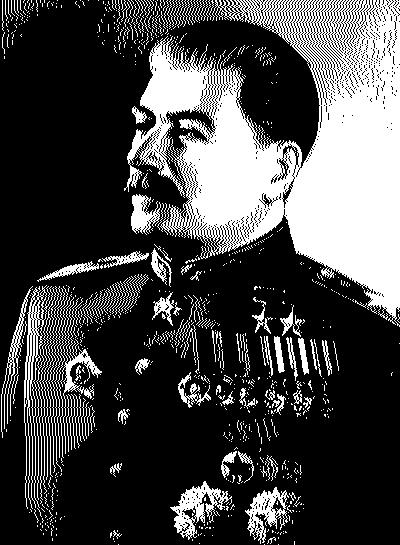
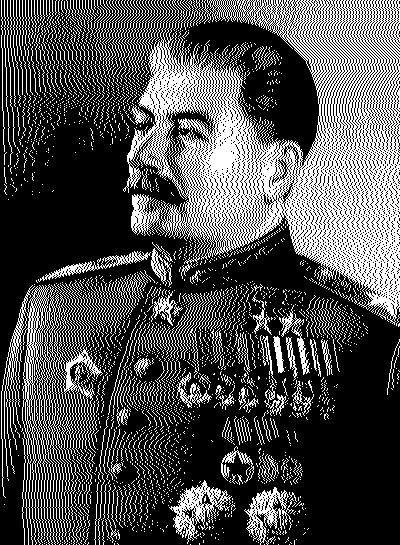
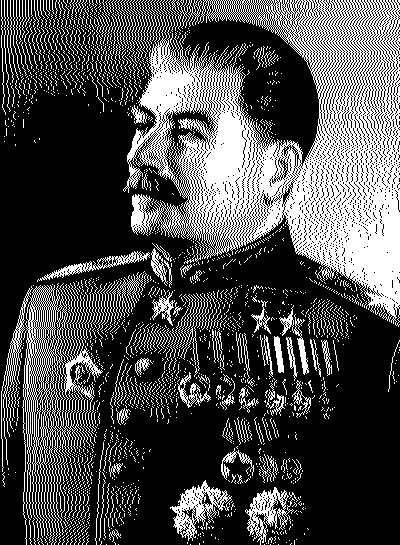
Algorithm 15: Dithering

Dithering is the algorithm for preparing of image to black-white printing (old newspapers, old books) or for old displays systems. Here is 2 different implementations: * general purpose with using of matrixes defined in imsh.scm library * special dithering algorithms.

(load "imsh.scm")

(define i (img_open "in/stalin.jpg"))
(img_gendith i sierra-dith-matrix)
(img_save i "out/dithgen_sierra.jpg")

(define i (img_open "in/stalin.jpg"))
(img_gendith i sierra2-dith-matrix)
(img_save i "out/dithgen_sierra2.jpg")

(define i (img_open "in/stalin.jpg"))
(img_gendith i sierralow-dith-matrix)
(img_save i "out/dithgen_sierralow.jpg")

(define i (img_open "in/stalin.jpg"))
(img_gendith i floyd-dith-matrix)
(img_save i "out/dithgen_floyd.jpg")

(define i (img_open "in/stalin.jpg"))
(img_gendith i falsefloyd-dith-matrix)
(img_save i "out/dithgen_falsefloyd.jpg")

(define i (img_open "in/stalin.jpg"))
(img_gendith i jarvis-dith-matrix)
(img_save i "out/dithgen_jarvis.jpg")

(define i (img_open "in/stalin.jpg"))
(img_gendith i stucki-dith-matrix)
(img_save i "out/dithgen_stucki.jpg")

(define i (img_open "in/stalin.jpg"))
(img_gendith i atkinson-dith-matrix)
(img_save i "out/dithgen_atkinson.jpg")

(define i (img_open "in/stalin.jpg"))
(img_gendith i burkes-dith-matrix)
(img_save i "out/dithgen_burkes.jpg")

(define i (img_open "in/stalin.jpg"))
(img_dith i 0)
(img_save i "out/dith_atkinson.jpg")

(define i (img_open "in/stalin.jpg"))
(img_dith i 1)
(img_save i "out/dith_floyd.jpg")

(define i (img_open "in/stalin.jpg"))
(img_dith i 2)
(img_save i "out/dith_ordered.jpg")

(define i (img_open "in/stalin.jpg"))
(img_dith i 3)
(img_save i "out/dith_random.jpg")

Input images:


Output images: